
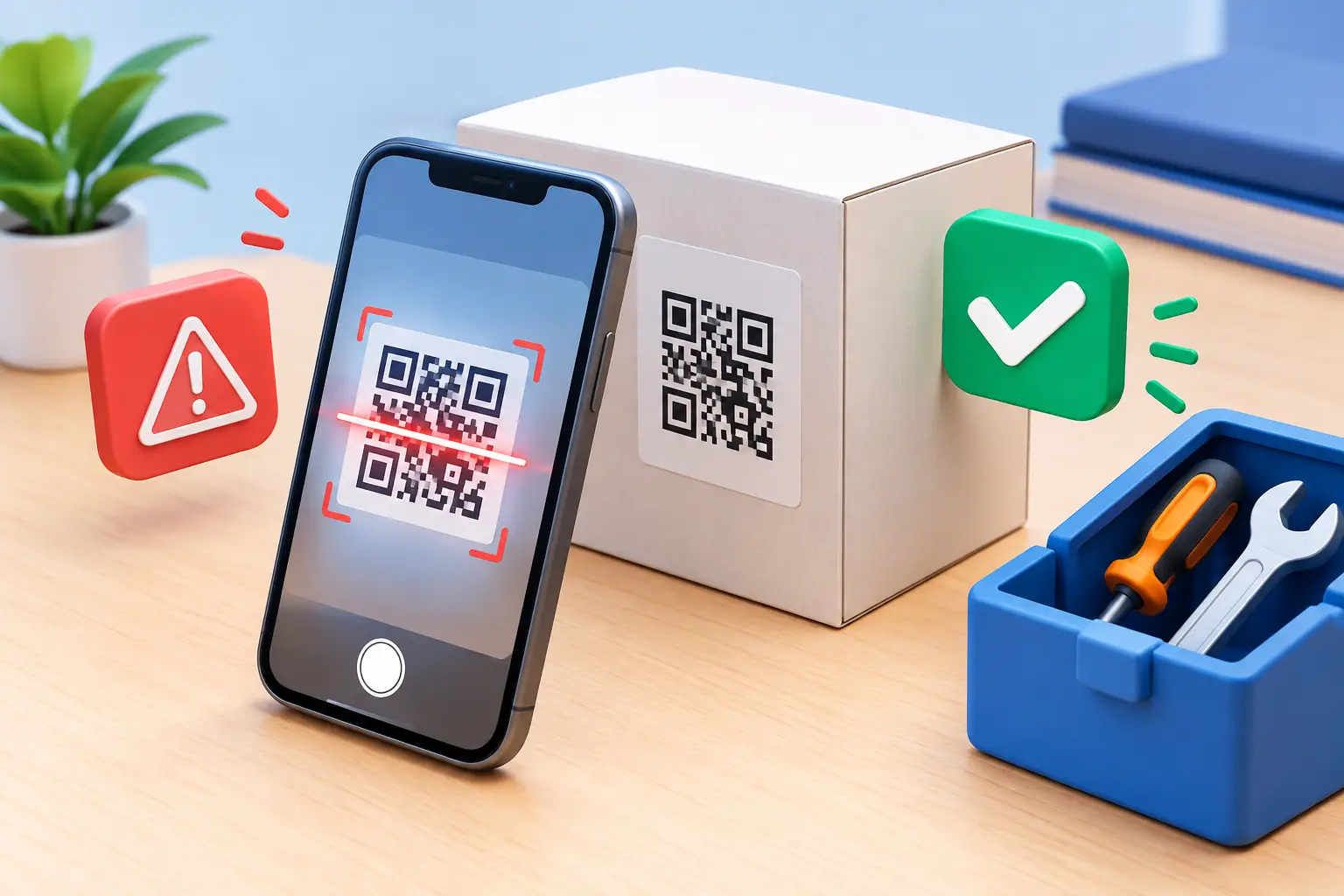
A QR code can look perfectly acceptable on a screen, arrive on time, and still fail at the point of use. QR code label scanning issues are usually not caused by one dramatic production error. More often, they result from a series of small decisions around artwork, label size, material, finishing and placement that were never tested in the real environment.
For hospitality, retail, food, beverage and event businesses, a non-scanning code can mean missed menu orders, failed registration journeys, lost product information or a campaign that customers simply abandon. The practical answer is to treat the QR code as a functional production component, not a decorative graphic.
Why QR Code Label Scanning Issues Happen
A QR code works by allowing a mobile phone camera or scanner to read a grid of small squares, known as modules. The more data held in the code, the denser that grid becomes. A long URL, tracking parameters or additional encoded information may create a detailed code that is difficult to reproduce at a small label size.
This is why copying a QR code from an email, placing it at 15 mm wide and sending the artwork to print can create avoidable risk. The code may technically remain intact, but the individual modules can become too small for a typical customer's mobile phone to recognise quickly. Scanning also depends on the distance between the device and the label, ambient light, camera quality and whether the label is flat and clean.
The right specification depends on the application. A code on a counter card, viewed at close range in good lighting, can be smaller than one applied to a shopfront window, warehouse rack or vehicle. There is no single safe size for every job.
The quiet zone is not optional
Every QR code needs clear space around all four sides. This is called the quiet zone. It helps the camera distinguish the code from surrounding text, borders, logos and imagery.
A common error is placing the code inside a tight coloured box, adding a keyline too close to the edge, or allowing a product photograph to run immediately beside it. Even when the code itself has not been altered, the camera may struggle to locate it. Keep a clean margin around the code that is at least four modules wide. In practice, more space is usually better, particularly on busy packaging or promotional labels.
Poor contrast reduces scan speed
Black on white remains the most dependable combination because it provides strong contrast. Dark blue on white, dark green on white or another genuinely dark colour on a light, solid background can also work well.
Problems begin when a code is printed in a pale corporate colour, reversed out of a dark background, placed over an image, or produced with a low-contrast metallic effect. A code may scan under office lighting but fail outside a venue, in a dim restaurant or on a reflective chilled-product display. Brand consistency matters, but a QR code must first perform its intended job.
Avoid gradients within the code, transparent modules and photographic backgrounds. If the code must sit within a branded design, isolate it on a plain light panel rather than trying to make the code itself carry the visual treatment.
Artwork Choices That Affect QR Code Labels
The original QR code should be supplied as a vector file where possible, such as SVG, EPS or a high-resolution PDF. Vector artwork retains sharp module edges at any reasonable print size. Low-resolution screenshots, compressed JPEGs and copied images from presentation software often introduce blurred edges or artefacts that make small codes unreliable.
Do not stretch, squash or rotate a QR code for layout purposes. Its proportions must remain square. Rounded corners and branded centre logos can work, but they reduce tolerance and should only be used when the code has been generated and tested for that design. Error correction is helpful, but it is not permission to remove or obscure a large portion of the code.
Before production, check the destination itself. A code that resolves correctly today can still lead to an expired landing page, a redirect chain, a page blocked on mobile data or a URL with an accidental character error. Use a short, controlled URL where possible. It produces a less dense code and makes future campaign management more straightforward.
Keep the code large enough for the use case
There is no substitute for viewing distance. As a working rule, a QR code intended for close handling should generally be no smaller than 20 x 20 mm, including sufficient clear space. For labels on shelves, table displays or products that customers scan while standing, 25 to 30 mm is often a more reliable starting point.
Codes intended to be scanned from further away need to be substantially larger. A window graphic viewed from a pavement, an event sign, or a wall-mounted instruction panel should be sized according to the likely scanning distance, not the available gap in the artwork.
Small labels create a real trade-off. If regulatory copy, ingredients, barcodes and branding already compete for space, the best decision may be to use a shorter URL, reduce the data encoded, enlarge the label, or place the QR code on a secondary seal or hang tag. Shrinking the code until it fits is rarely the dependable option.
Material, Finish and Placement Matter
A QR code that scans on an uncoated paper proof may behave differently once printed on gloss vinyl, metallic stock, clear film or a curved bottle. The printed image can be accurate, while reflections and surface distortion make it difficult for a camera to read.
Gloss and lamination are not automatically unsuitable. They are widely used for durable labels and can look excellent. However, a highly reflective finish under spotlights or strong sunlight can create glare. Where scanning is business-critical, consider a matt laminate, a less reflective substrate, or a placement away from the strongest light source.
Clear labels need particular care. The surface behind the label becomes part of the design. A black QR code on transparent film applied to a dark bottle, tinted window or changing product contents may lose the contrast it needs. Printing an opaque white backing panel beneath the code is often the practical solution.
Curves are another concern. A code applied across the shoulder of a bottle, around a narrow jar or over corrugated packaging can distort the grid. Place it on the flattest available area and allow enough label size that the code is not forced into a tight bend. On outdoor labels, account for wear, condensation, cleaning products and abrasion. A code that is readable on installation day must remain readable during its required service life.
A Production Check Before Full Quantity
Testing cannot be left until cartons are packed. For campaigns, product runs and multi-site roll-outs, validate the QR code at artwork approval stage and again from a physical sample. The digital test confirms the encoded destination. The physical test confirms the printed object works in its actual form.
Use more than one mobile device if the audience will use personal mobile phones. Test in normal daylight and under the lighting expected at the site. Scan from the likely user position rather than holding the label directly under a desk lamp. If the code is intended for restaurant tables, test it on the table. If it is on a refrigerated product, test it on a chilled product with realistic reflections and moisture.
A useful approval process should confirm four things: the code opens the correct destination, the destination works on mobile, the printed code scans quickly, and its placement remains practical after installation or application. Photographing the approved sample also creates a clear reference for repeat orders and future campaign updates.
For variable-data labels, test a representative range rather than a single code. Different serial numbers or URLs can change code density, especially where the data length varies. The shortest code in the batch may scan easily while the longest becomes too dense for the chosen label size.
When a Reprint Is Not the Best Fix
Not every scanning failure requires replacing all labels. If the printed code is sound but the destination has changed, a redirect or corrected landing page may resolve the immediate issue. If a code is too small, reflective or poorly positioned, however, the physical label remains the constraint.
For high-volume stock already in circulation, an over-label may be more practical than scrapping packaging. For a short campaign, a counter card or supplementary sticker can provide a temporary scan point while revised materials are produced. The correct response depends on quantity, distribution status, campaign value and how visible the failure is to customers.
Printhub can review supplied artwork, advise on label stock and finishing, produce test samples, and coordinate production for labels that need to work in real customer environments rather than only on a PDF.
The most reliable QR code is the one that receives the same production discipline as a barcode, safety notice or wayfinding sign: specify it for the environment, proof it physically, and test it before the deadline leaves no room to correct it.